AC charging
Text of these pages
Page 157
NOTE
◆ Please read and observe the use instructions and precautions related to the charging device carefully.
◆ The vehicle must be parked before the battery is charged.
◆ When the battery temperature is low, it may not be possible to charge the battery at full power at the beginning of charging. As the battery temperature increases during the charging, the charging power increases. ◆ Charging the vehicle in a high- temperature or low-temperature environment will reduce the charging power and prolong the charging time.
◆ The vehicle cannot be charged while the software is being upgraded.
AC charging
European standard charging Observe the following steps for AC charging:
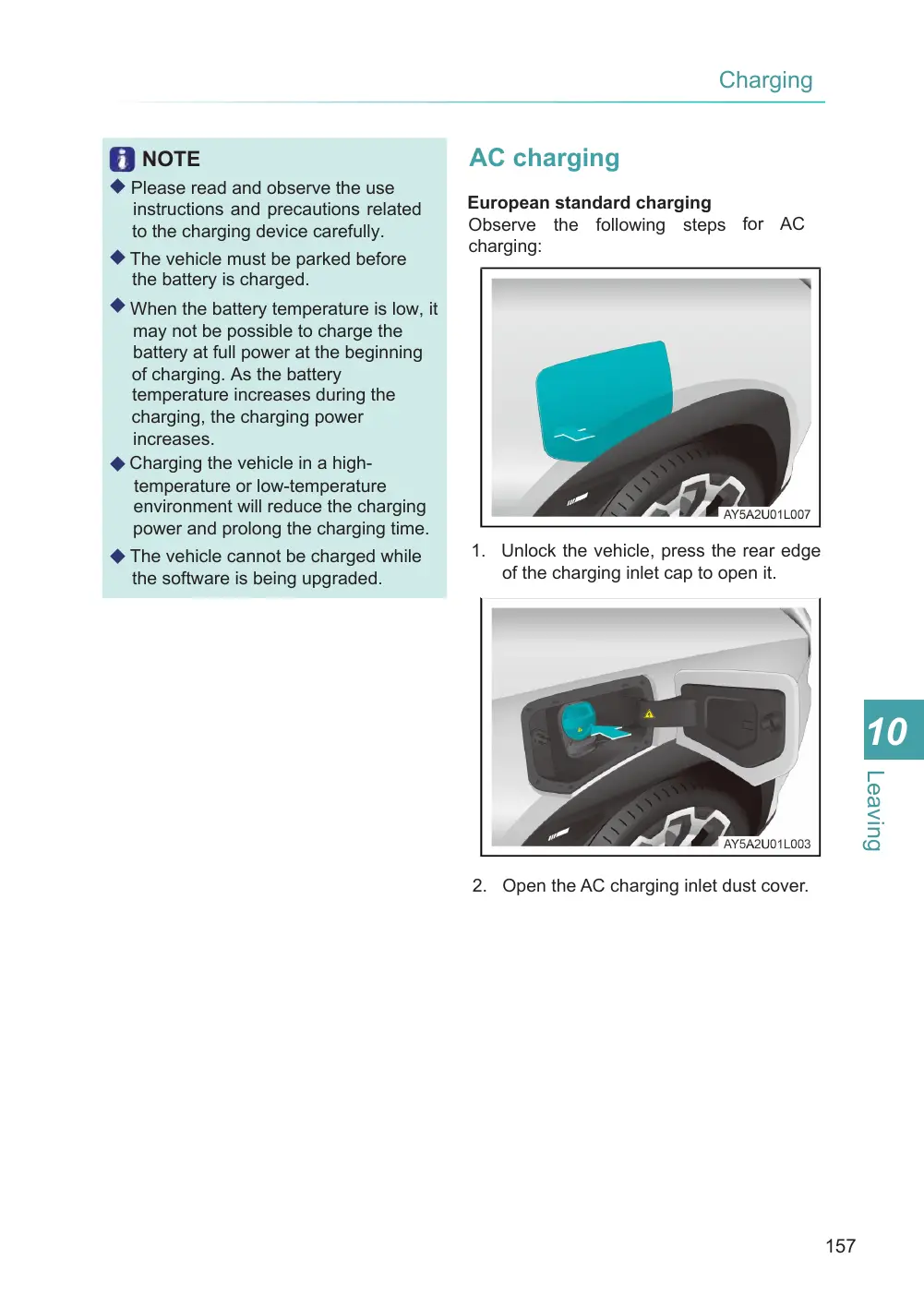
1. Unlock the vehicle, press the rear edge of the charging inlet cap to open it.
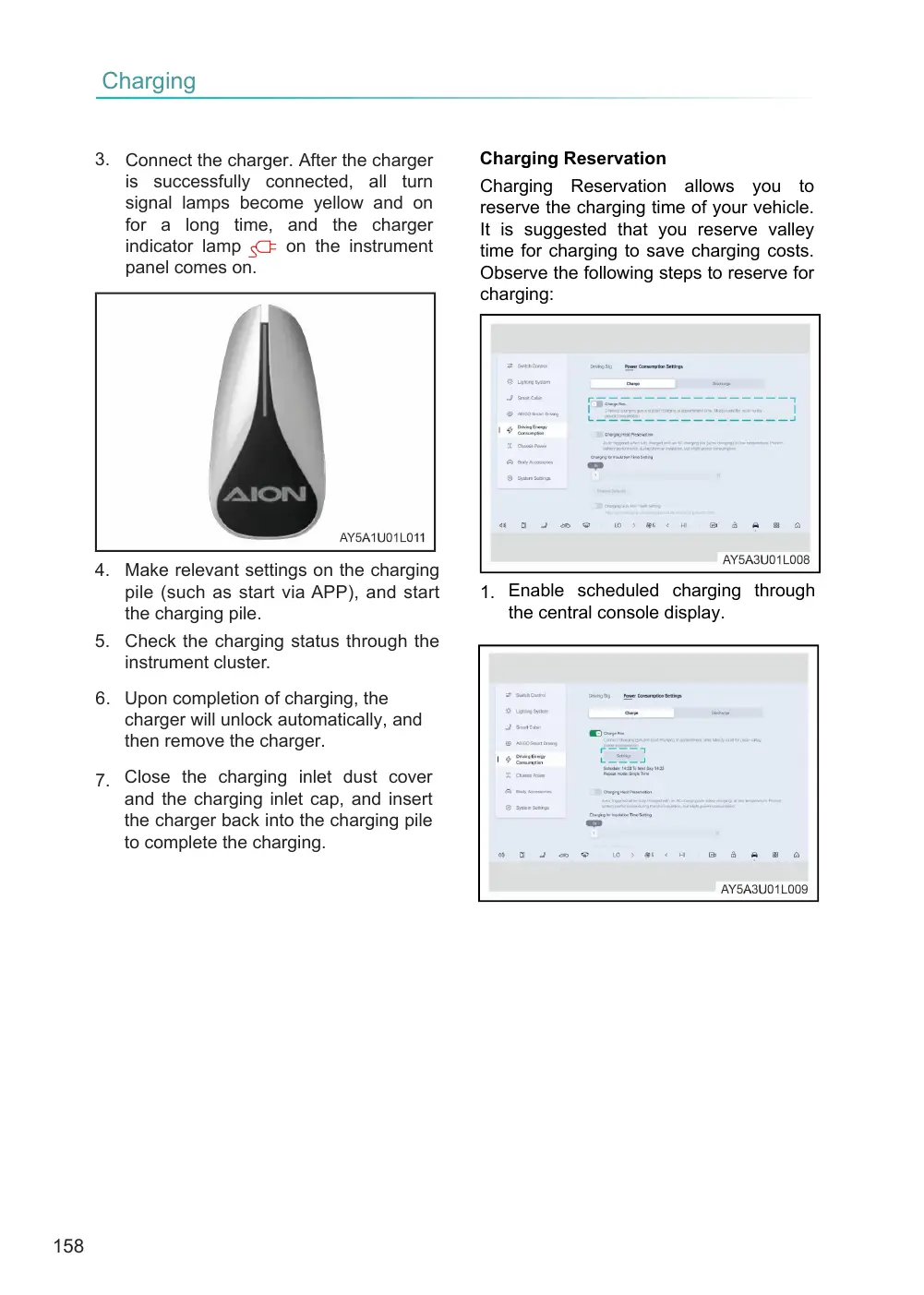
2. Open the AC charging inlet dust cover.
Page 158
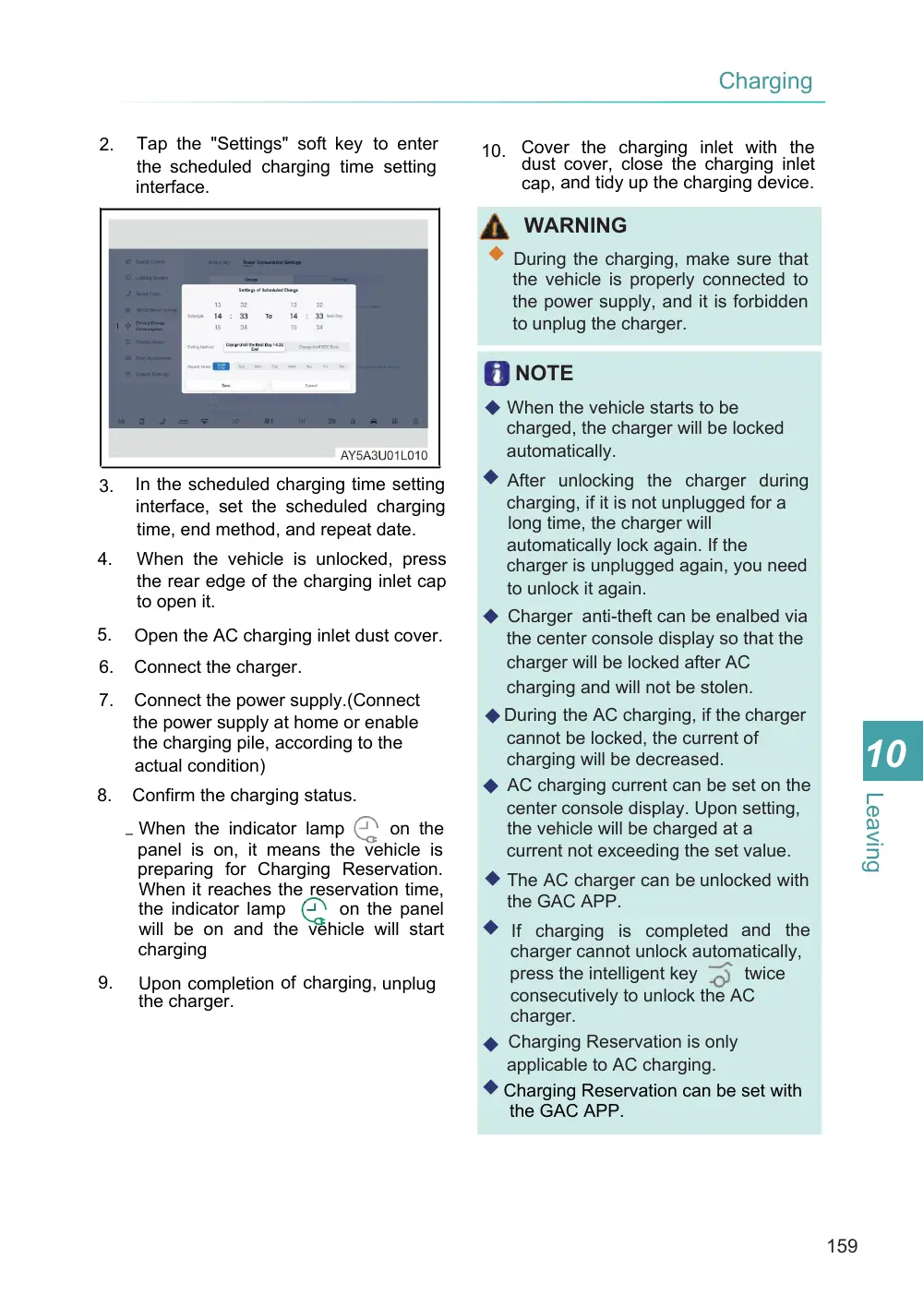
3. Connect the charger. After the charger is successfully connected, all turn signal lamps become yellow and on for a long time, and the charger indicator lamp on the instrument panel comes on.
4. Make relevant settings on the charging pile (such as start via APP), and start the charging pile.
5. Check the charging status through the instrument cluster.
6. Upon completion of charging, the charger will unlock automatically, and then remove the charger.
7. Close the charging inlet dust cover and the charging inlet cap, and insert the charger back into the charging pile to complete the charging.
Charging Reservation
Charging Reservation allows you to reserve the charging time of your vehicle. It is suggested that you reserve valley time for charging to save charging costs. Observe the following steps to reserve for charging:
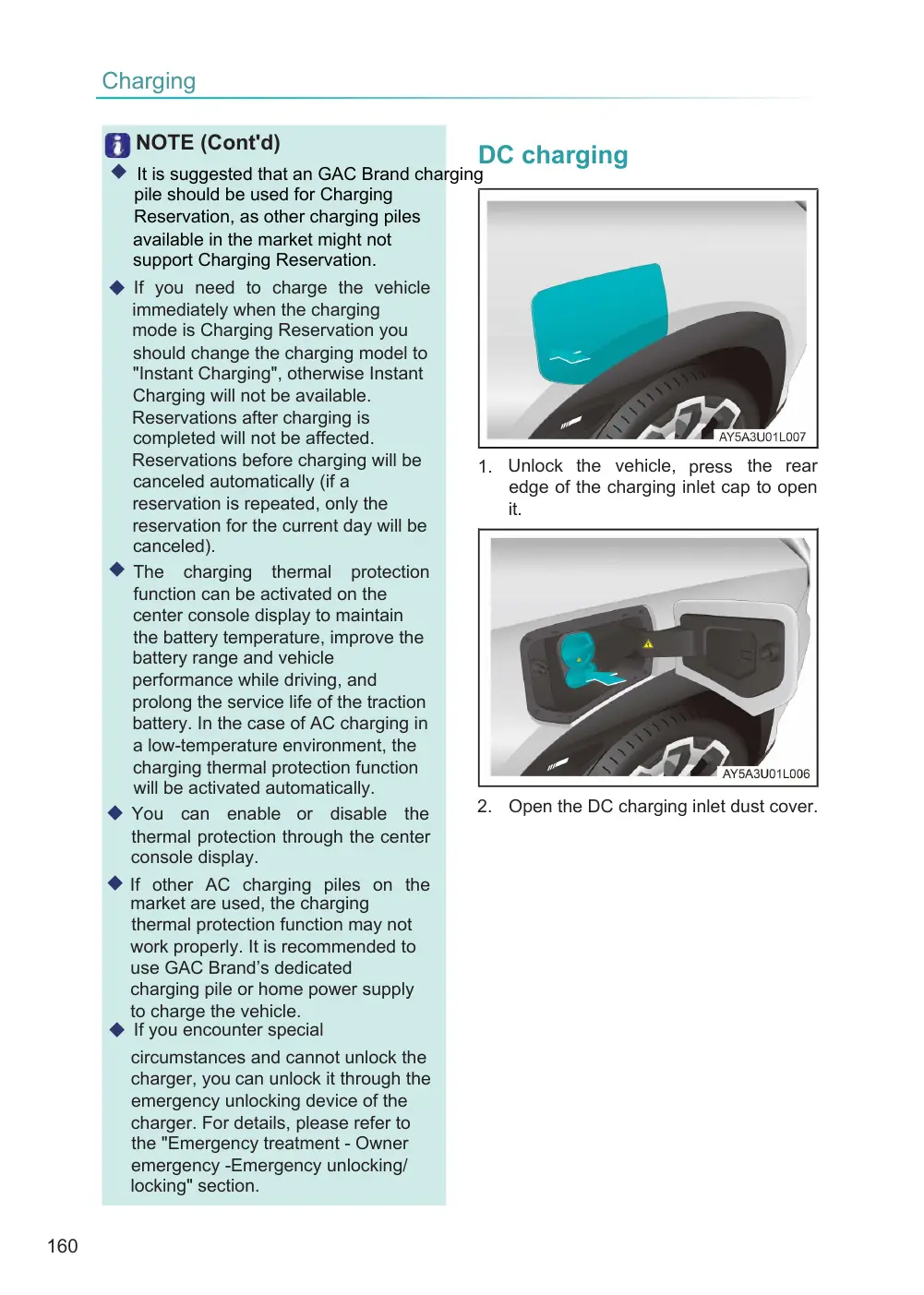
1. Enable scheduled charging through the central console display.
Page 159
Tap the "Settings" soft key to enter the scheduled charging time setting interface.
2.
In the scheduled charging time setting interface, set the scheduled charging time, end method, and repeat date.
3.
4.
When the vehicle is unlocked, press the rear edge of the charging inlet cap to open it.
5.
Open the AC charging inlet dust cover.
6.
Connect the charger.
Connect the power supply.(Connect the power supply at home or enable the charging pile, according to the actual condition)
7.
8.
Confirm the charging status.
– When the indicator lamp
on the panel is on, it means the vehicle is preparing for Charging Reservation. When it reaches the reservation time, the indicator lamp on the panel will be on and the vehicle will start charging
9.
Upon completion of charging, unplug the charger.
10. Cover the charging inlet with the dust cover, close the charging inlet cap, and tidy up the charging device.
WARNING
◆ During the charging, make sure that the vehicle is properly connected to the power supply, and it is forbidden to unplug the charger.
NOTE
◆ When the vehicle starts to be charged, the charger will be locked automatically.
◆ After unlocking the charger during charging, if it is not unplugged for a long time, the charger will automatically lock again. If the charger is unplugged again, you need to unlock it again.
◆ Charger anti-theft can be enalbed via the center console display so that the charger will be locked after AC charging and will not be stolen.
◆ During the AC charging, if the charger cannot be locked, the current of charging will be decreased. ◆ AC charging current can be set on the center console display. Upon setting, the vehicle will be charged at a current not exceeding the set value.
◆ The AC charger can be unlocked with the GAC APP.
◆ If charging is completed and the charger cannot unlock automatically, twice press the intelligent key consecutively to unlock the AC charger. Charging Reservation is only ◆ applicable to AC charging. ◆ Charging Reservation can be set with the GAC APP.
Page 160
NOTE (Cont'd)
◆ It is suggested that an GAC Brand charging pile should be used for Charging Reservation, as other charging piles available in the market might not support Charging Reservation.
◆ If you need to charge the vehicle immediately when the charging mode is Charging Reservation you should change the charging model to "Instant Charging", otherwise Instant Charging will not be available. Reservations after charging is completed will not be affected. Reservations before charging will be canceled automatically (if a reservation is repeated, only the reservation for the current day will be canceled). ◆ The charging thermal protection function can be activated on the center console display to maintain the battery temperature, improve the battery range and vehicle performance while driving, and prolong the service life of the traction battery. In the case of AC charging in a low-temperature environment, the charging thermal protection function will be activated automatically. ◆ You can enable or disable the thermal protection through the center console display.
◆ If other AC charging piles on the market are used, the charging thermal protection function may not work properly. It is recommended to use GAC Brand’s dedicated charging pile or home power supply to charge the vehicle. ◆ If you encounter special
circumstances and cannot unlock the charger, you can unlock it through the emergency unlocking device of the charger. For details, please refer to the "Emergency treatment - Owner emergency -Emergency unlocking/ locking" section.
DC charging
1. Unlock the vehicle, press the rear edge of the charging inlet cap to open it.
2. Open the DC charging inlet dust cover.