Charging instructions
Text of these pages
Page 155
Charging instructions
Charging methods This vehicle has two charging methods: AC
charging and DC charging.
Charge limit setting
According to your electricity needs, the charge limit can be set through the center console display.
Charging status indication
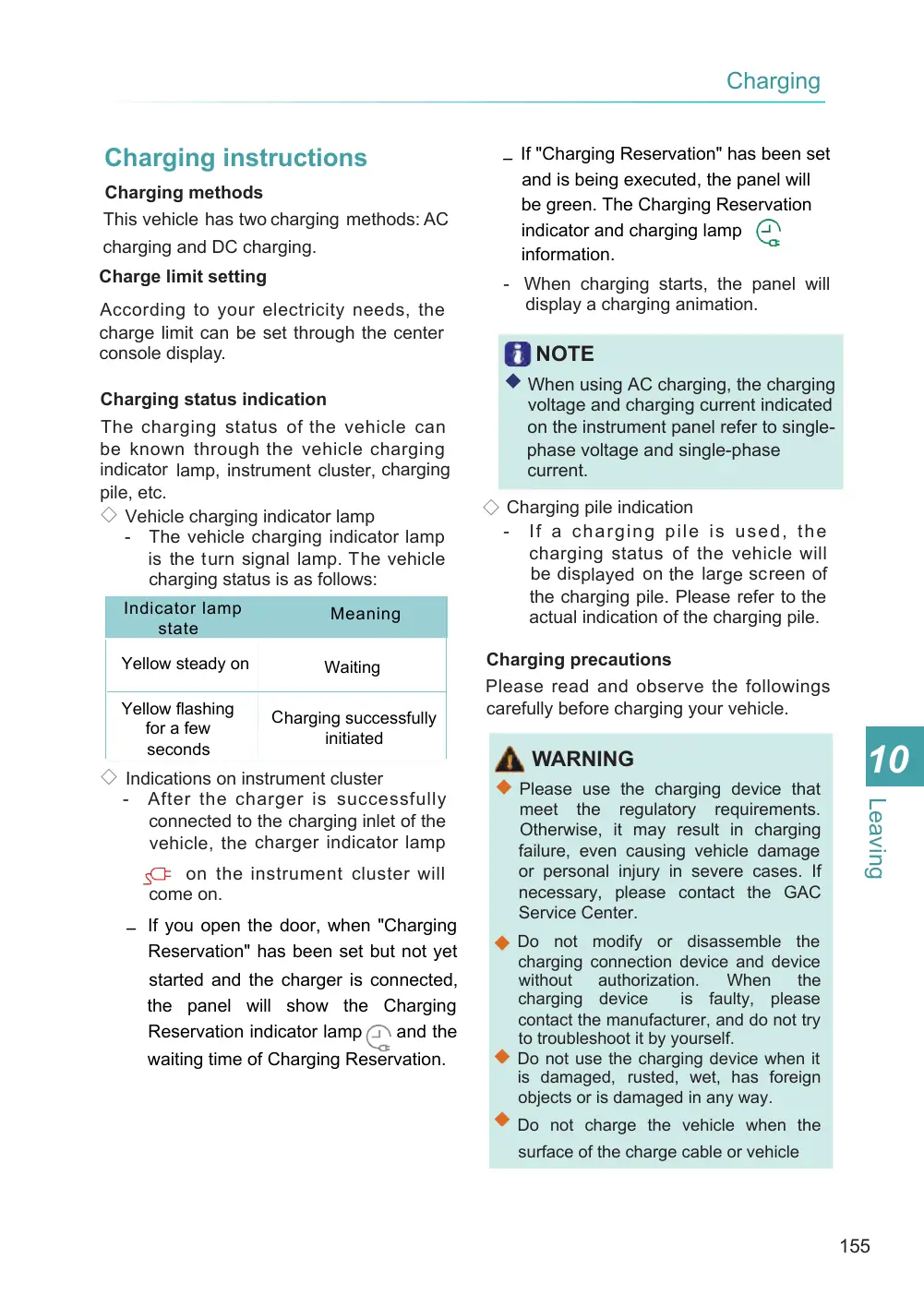
The charging status of the vehicle can be known through the vehicle charging indicator lamp, instrument cluster, charging pile, etc. ◇ Vehicle charging indicator lamp - The vehicle charging indicator lamp is the turn signal lamp. The vehicle charging status is as follows:
Indicator lamp state
Meaning
Yellow steady on
Waiting
Yellow flashing for a few seconds
Charging successfully initiated
◇ Indications on instrument cluster - After the charger is successfully connected to the charging inlet of the vehicle, the charger indicator lamp
on the instrument cluster will come on.
– If you open the door, when "Charging
Reservation" has been set but not yet
started and the charger is connected, the panel will show the Charging Reservation indicator lamp and the
waiting time of Charging Reservation.
– If "Charging Reservation" has been set
and is being executed, the panel will be green. The Charging Reservation indicator and charging lamp information.
- When charging starts, the panel will display a charging animation.
NOTE
◆ When using AC charging, the charging voltage and charging current indicated on the instrument panel refer to single- phase voltage and single-phase current.
◇ Charging pile indication - If a charging pile is used, the charging status of the vehicle will be displayed on the large screen of the charging pile. Please refer to the actual indication of the charging pile.
Charging precautions Please read and observe the followings carefully before charging your vehicle.
WARNING
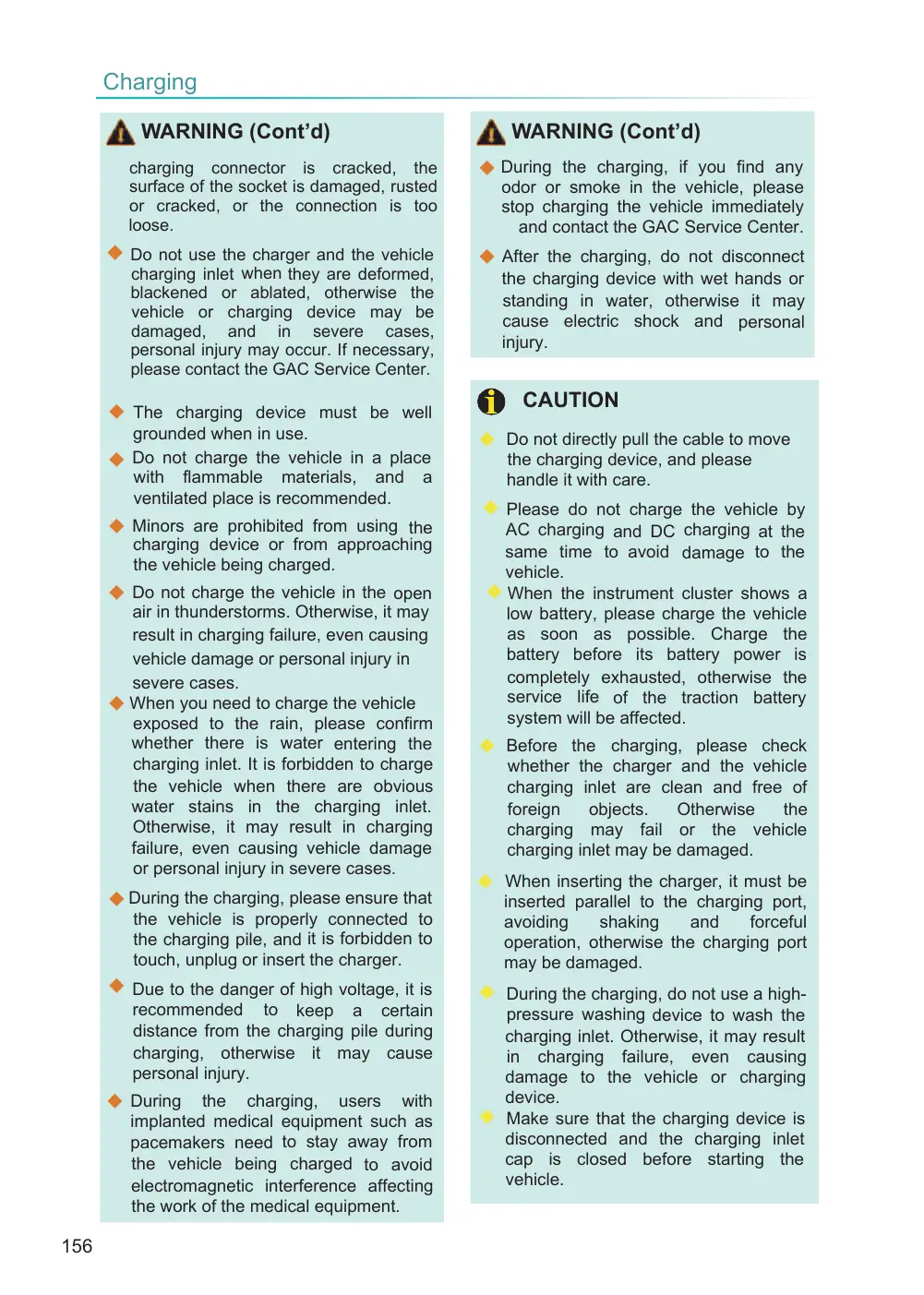
◆ Please use the charging device that meet the regulatory requirements. Otherwise, it may result in charging failure, even causing vehicle damage or personal injury in severe cases. If necessary, please contact the GAC Service Center.
◆ Do not modify or disassemble the
charging connection device and device without authorization. When the charging device is faulty, please contact the manufacturer, and do not try to troubleshoot it by yourself. ◆ Do not use the charging device when it is damaged, rusted, wet, has foreign objects or is damaged in any way.
◆ Do not charge the vehicle when the
surface of the charge cable or vehicle
Page 156
WARNING (Cont’d)
charging connector is cracked, the surface of the socket is damaged, rusted or cracked, or the connection is too loose.
◆ Do not use the charger and the vehicle
charging inlet when they are deformed, blackened or ablated, otherwise the vehicle or charging device may be damaged, and in severe cases, personal injury may occur. If necessary, please contact the GAC Service Center.
◆ The charging device must be well grounded when in use. Do not charge the vehicle in a place ◆ with flammable materials, and a ventilated place is recommended.
◆ Minors are prohibited from using the charging device or from approaching the vehicle being charged.
◆ Do not charge the vehicle in the open air in thunderstorms. Otherwise, it may result in charging failure, even causing vehicle damage or personal injury in severe cases. ◆ When you need to charge the vehicle exposed to the rain, please confirm whether there is water entering the charging inlet. It is forbidden to charge the vehicle when there are obvious water stains in the charging inlet. Otherwise, it may result in charging failure, even causing vehicle damage or personal injury in severe cases.
◆ During the charging, please ensure that the vehicle is properly connected to the charging pile, and it is forbidden to touch, unplug or insert the charger.
◆ Due to the danger of high voltage, it is recommended to keep a certain distance from the charging pile during charging, otherwise it may cause personal injury.
◆ During the charging, users with implanted medical equipment such as pacemakers need to stay away from the vehicle being charged to avoid electromagnetic interference affecting the work of the medical equipment.
WARNING (Cont’d)
◆ During the charging, if you find any odor or smoke in the vehicle, please stop charging the vehicle immediately and contact the GAC Service Center.
◆ After the charging, do not disconnect the charging device with wet hands or standing in water, otherwise it may cause electric shock and personal injury.
CAUTION
◆ Do not directly pull the cable to move the charging device, and please handle it with care.
◆ Please do not charge the vehicle by AC charging and DC charging at the same time to avoid damage to the vehicle. ◆ When the instrument cluster shows a low battery, please charge the vehicle as soon as possible. Charge the battery before its battery power is completely exhausted, otherwise the service life of the traction battery system will be affected.
◆ Before the charging, please check whether the charger and the vehicle charging inlet are clean and free of foreign objects. Otherwise the charging may fail or the vehicle charging inlet may be damaged.
◆ When inserting the charger, it must be inserted parallel to the charging port, avoiding shaking and forceful operation, otherwise the charging port may be damaged.
◆ During the charging, do not use a high- pressure washing device to wash the charging inlet. Otherwise, it may result in charging failure, even causing damage to the vehicle or charging device. ◆ Make sure that the charging device is disconnected and the charging inlet cap is closed before starting the vehicle.
Page 157
NOTE
◆ Please read and observe the use instructions and precautions related to the charging device carefully.
◆ The vehicle must be parked before the battery is charged.
◆ When the battery temperature is low, it may not be possible to charge the battery at full power at the beginning of charging. As the battery temperature increases during the charging, the charging power increases. ◆ Charging the vehicle in a high- temperature or low-temperature environment will reduce the charging power and prolong the charging time.
◆ The vehicle cannot be charged while the software is being upgraded.
AC charging
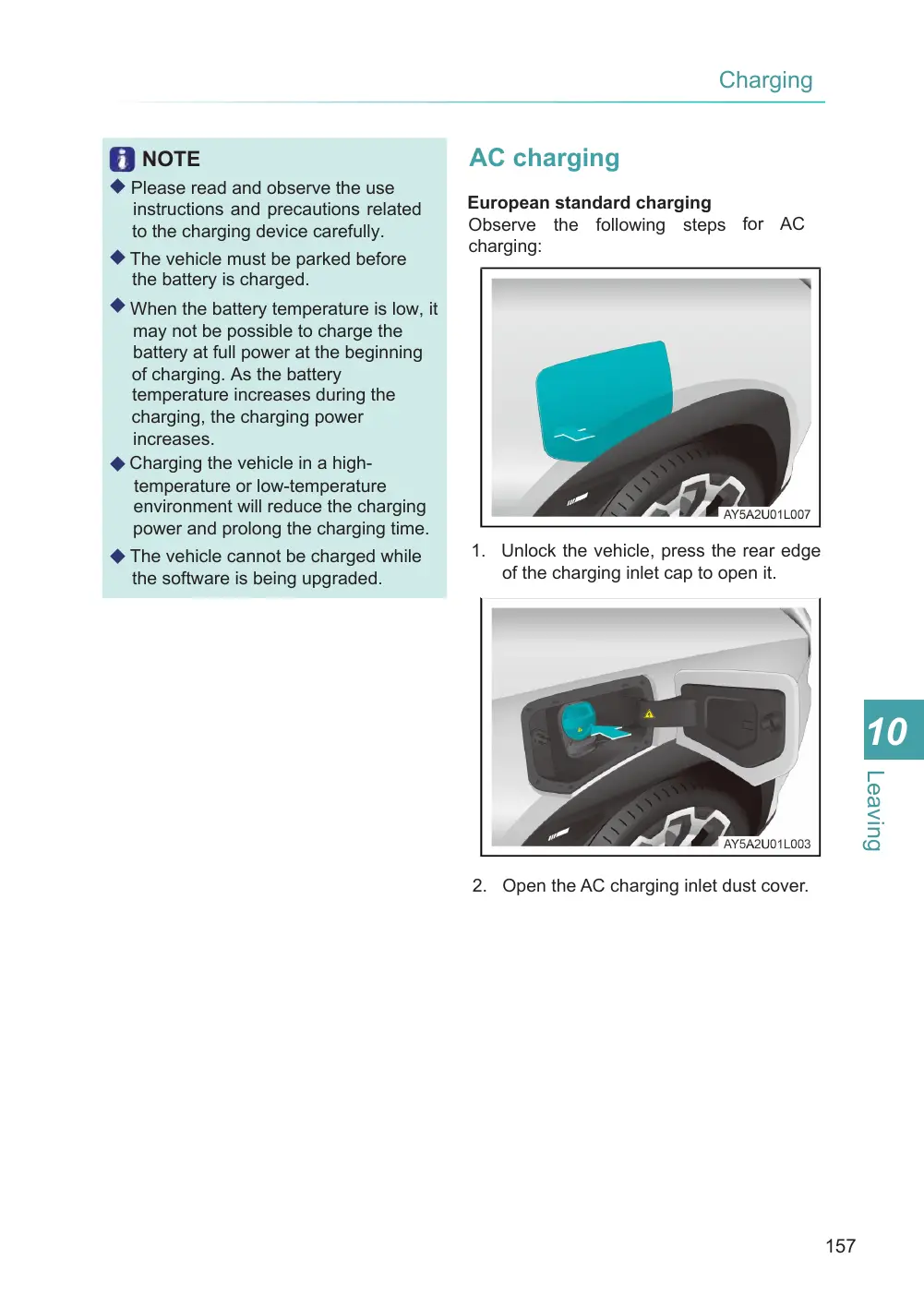
European standard charging Observe the following steps for AC charging:
1. Unlock the vehicle, press the rear edge of the charging inlet cap to open it.
2. Open the AC charging inlet dust cover.