Locking outside the vehicle
Text of this page
Page 152
Locking outside the vehicle
Locking by smart key button
When the driver and passengers exit the vehicle, and the vehicle is not started, all doors are closed, and there is no valid key inside the vehicle, press the lock button within the effective range of the smart key to lock the vehicle.
Intelligent active locking
The vehicle can be automatically locked after the intelligent active locking function is enabled through the center console display, when the vehilce is not started; the driver and passengers leave the vehicle,;all doors are closed; there is no effective key in the vehicle; the smart key is carried away from the vehicle.
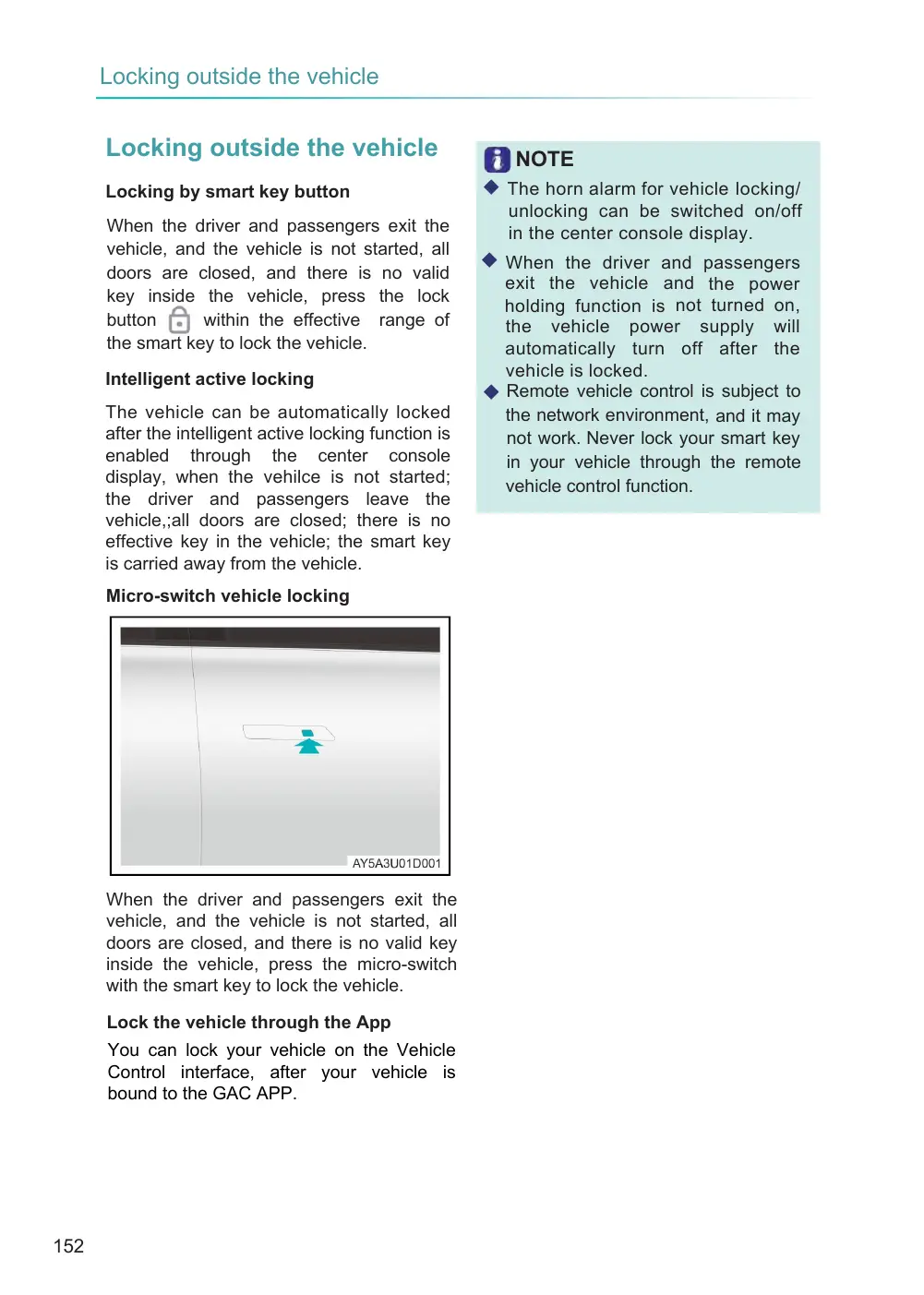
Micro-switch vehicle locking
When the driver and passengers exit the vehicle, and the vehicle is not started, all doors are closed, and there is no valid key inside the vehicle, press the micro-switch with the smart key to lock the vehicle.
Lock the vehicle through the App
You can lock your vehicle on the Vehicle Control interface, after your vehicle is bound to the GAC APP.
NOTE
◆ The horn alarm for vehicle locking/ unlocking can be switched on/off in the center console display.
◆ When the driver and passengers exit the vehicle and the power holding function is not turned on, the vehicle power supply will automatically turn off after the vehicle is locked. ◆ Remote vehicle control is subject to the network environment, and it may not work. Never lock your smart key in your vehicle through the remote vehicle control function.