Message center
Text of this page
Page 79
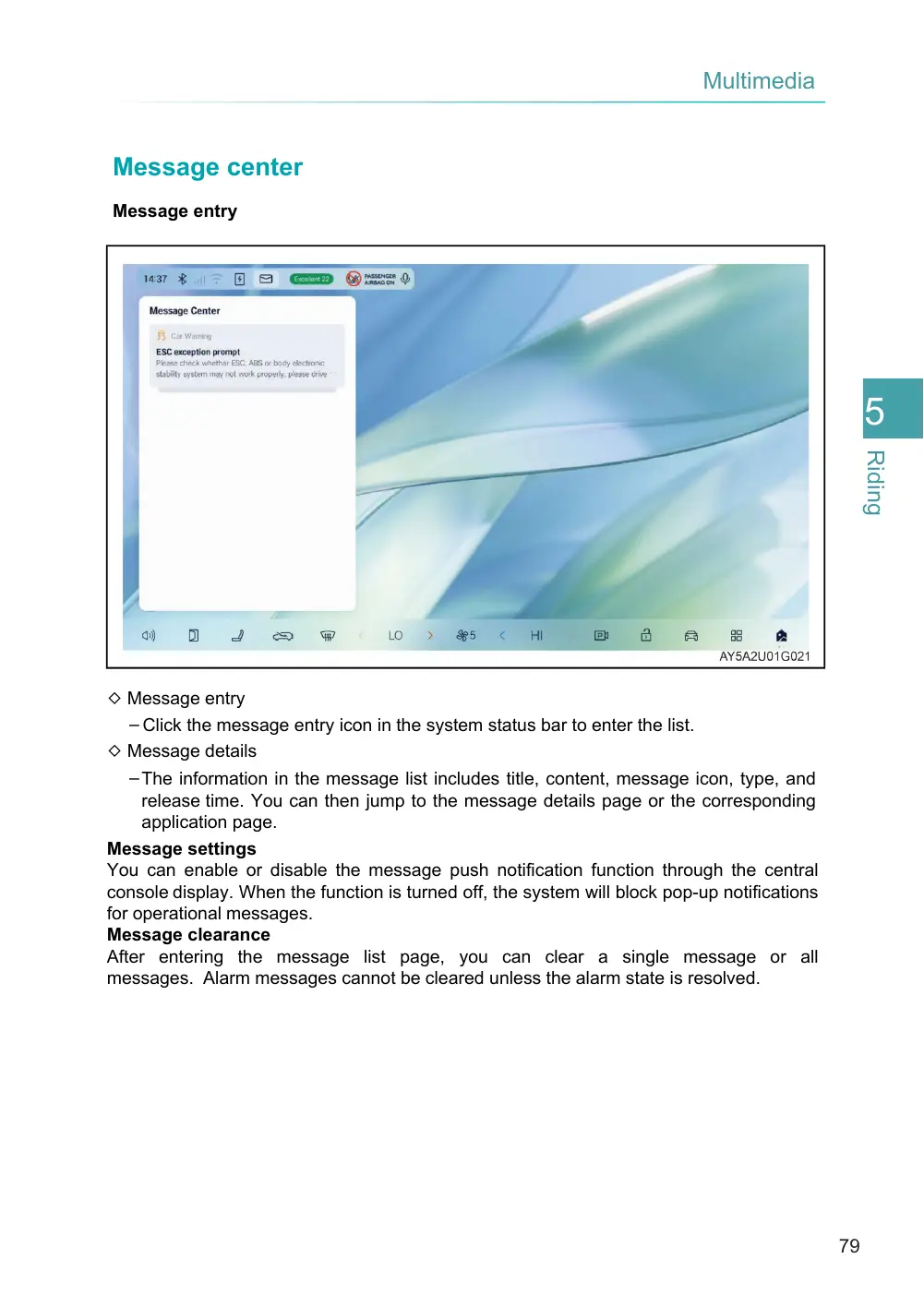
◇ Message entry – Click the message entry icon in the system status bar to enter the list. ◇ Message details – The information in the message list includes title, content, message icon, type, and release time. You can then jump to the message details page or the corresponding application page. Message settings You can enable or disable the message push notification function through the central console display. When the function is turned off, the system will block pop-up notifications for operational messages. Message clearance After entering the message list page, you can clear a single message or all messages. Alarm messages cannot be cleared unless the alarm state is resolved.
Message center
Message entry