Multimedia control panel
Text of this page
Page 71
Multimedia control panel
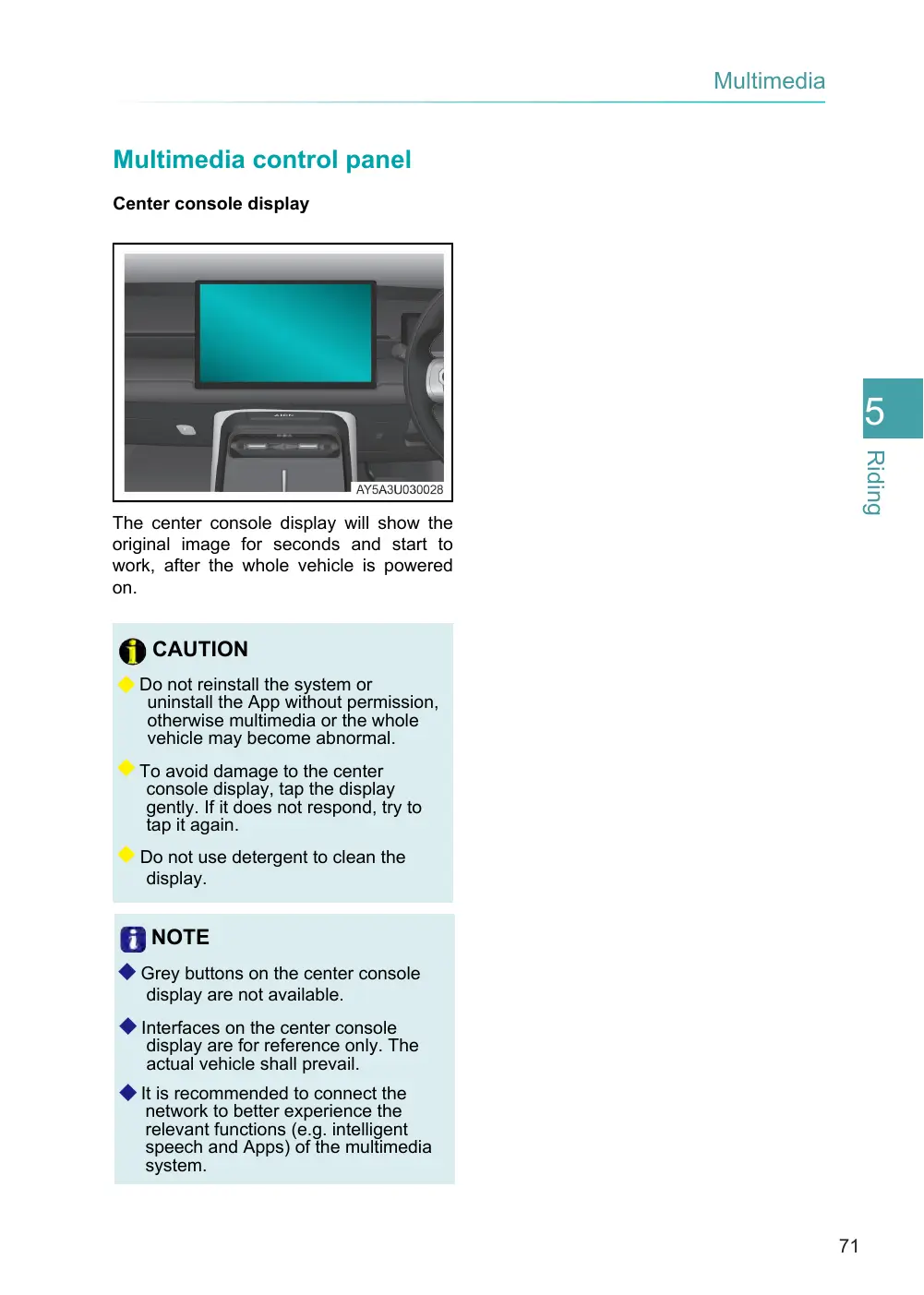
Center console display
The center console display will show the original image for seconds and start to work, after the whole vehicle is powered on.
CAUTION
◆ Do not reinstall the system or uninstall the App without permission, otherwise multimedia or the whole vehicle may become abnormal.
◆ To avoid damage to the center console display, tap the display gently. If it does not respond, try to tap it again.
◆ Do not use detergent to clean the display.
NOTE
◆ Grey buttons on the center console display are not available.
◆ Interfaces on the center console display are for reference only. The actual vehicle shall prevail.
◆ It is recommended to connect the network to better experience the relevant functions (e.g. intelligent speech and Apps) of the multimedia system.