USB port
Text of this page
Page 69
USB port
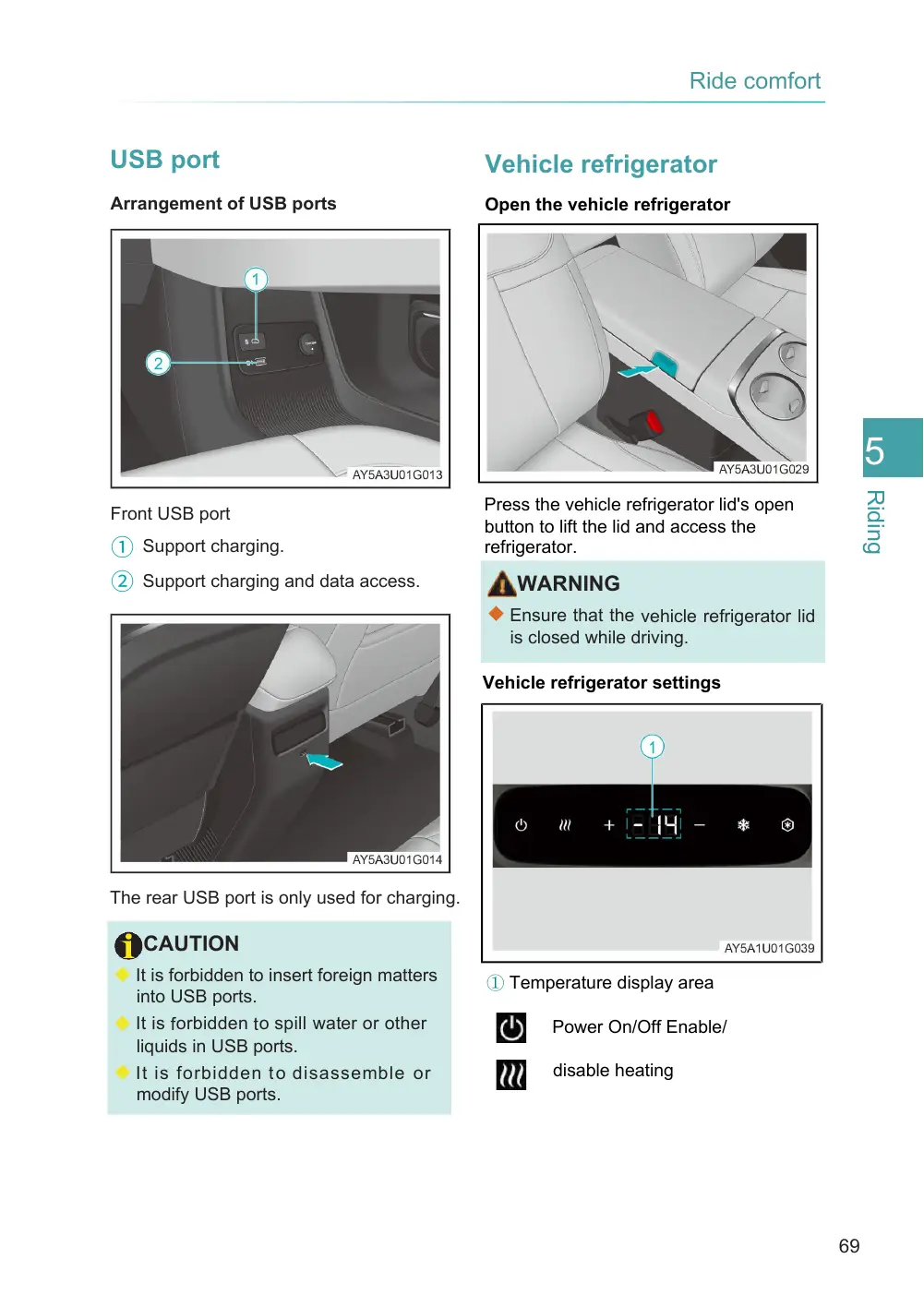
Arrangement of USB ports
Front USB port
① Support charging. ② Support charging and data access.
The rear USB port is only used for charging.
CAUTION
◆ It is forbidden to insert foreign matters into USB ports.
◆ It is forbidden to spill water or other liquids in USB ports. ◆ It is forbidden t o disassemble or modify USB ports.
Vehicle refrigerator
Open the vehicle refrigerator
Press the vehicle refrigerator lid's open button to lift the lid and access the refrigerator.
WARNING
◆ Ensure that the vehicle refrigerator lid is closed while driving.
Vehicle refrigerator settings
① Temperature display area
Power On/Off Enable/
disable heating