Mobile phone wireless charging
Text of these pages
Page 57
Mobile phone wireless charging
Enable and disable mobile phone wireless charging Close all doors, and tap the upper right button on the center console display to pop up the wireless charging control interface. Enable and disable the wireless charging function on the control interface.
Mobile phone wireless charging
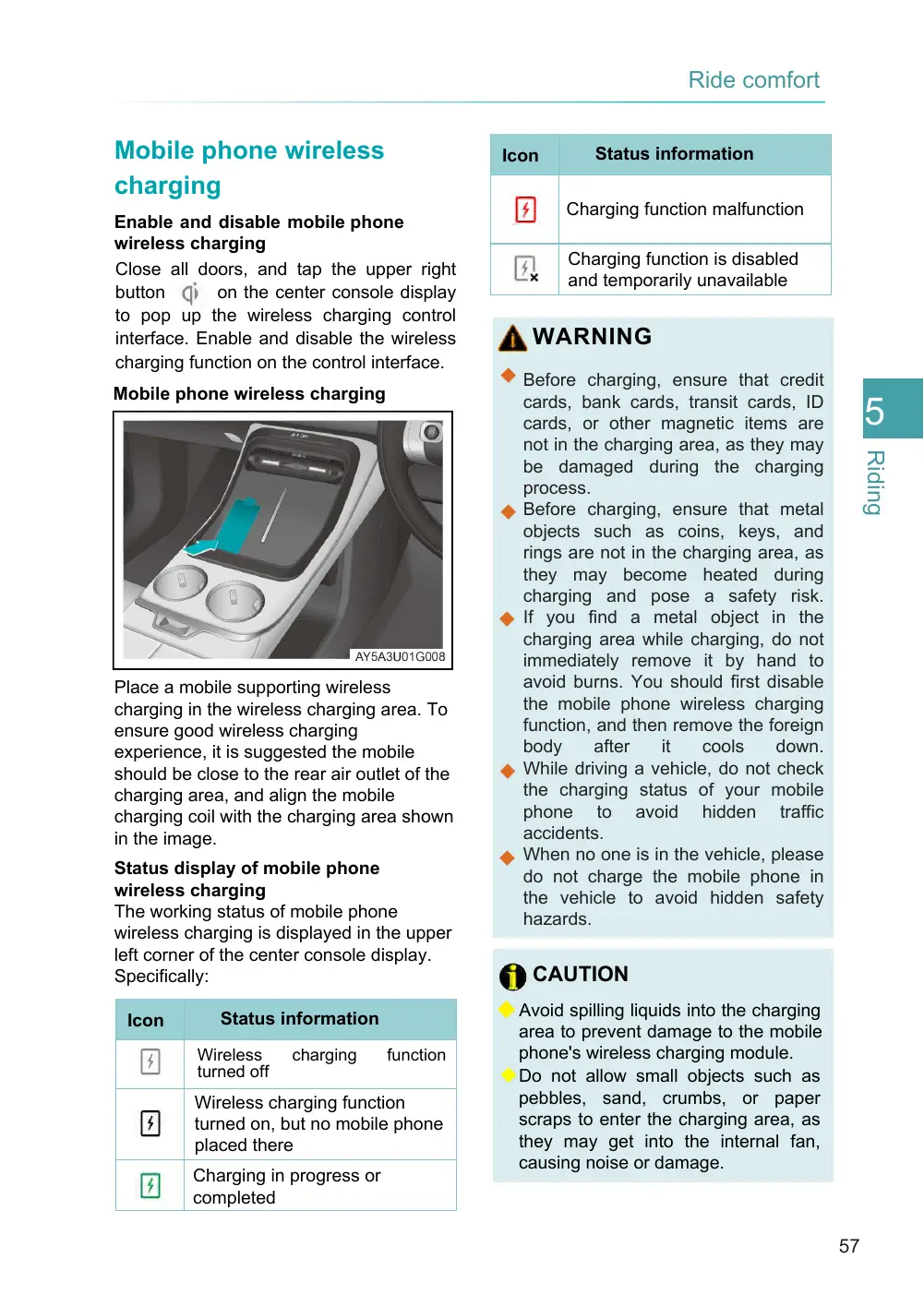
Place a mobile supporting wireless charging in the wireless charging area. To ensure good wireless charging experience, it is suggested the mobile should be close to the rear air outlet of the charging area, and align the mobile charging coil with the charging area shown in the image.
Status display of mobile phone wireless charging The working status of mobile phone wireless charging is displayed in the upper left corner of the center console display. Specifically:
Status information
Icon
Wireless turned off
charging
function
Wireless charging function turned on, but no mobile phone placed there
Charging in progress or completed
Status information
Icon
Charging function malfunction
Charging function is disabled and temporarily unavailable
WARNING
◆ Before charging, ensure that credit cards, bank cards, transit cards, ID cards, or other magnetic items are not in the charging area, as they may be damaged during the charging process. ◆ Before charging, ensure that metal objects such as coins, keys, and rings are not in the charging area, as they may become heated during charging and pose a safety risk. ◆ If you find a metal object in the charging area while charging, do not immediately remove it by hand to avoid burns. You should first disable the mobile phone wireless charging function, and then remove the foreign body after it cools down. ◆ While driving a vehicle, do not check the charging status of your mobile phone to avoid hidden traffic accidents. ◆ When no one is in the vehicle, please do not charge the mobile phone in the vehicle to avoid hidden safety hazards.
CAUTION
◆ Avoid spilling liquids into the charging area to prevent damage to the mobile phone's wireless charging module. ◆ Do not allow small objects such as pebbles, sand, crumbs, or paper scraps to enter the charging area, as they may get into the internal fan, causing noise or damage.
Page 58
CAUTION (Cont'd)
◆ Do not place a heavy object in the mobile wireless charging area to avoid damaging the mobile wireless charging module. 1 ◆ In case of an exception of mobile
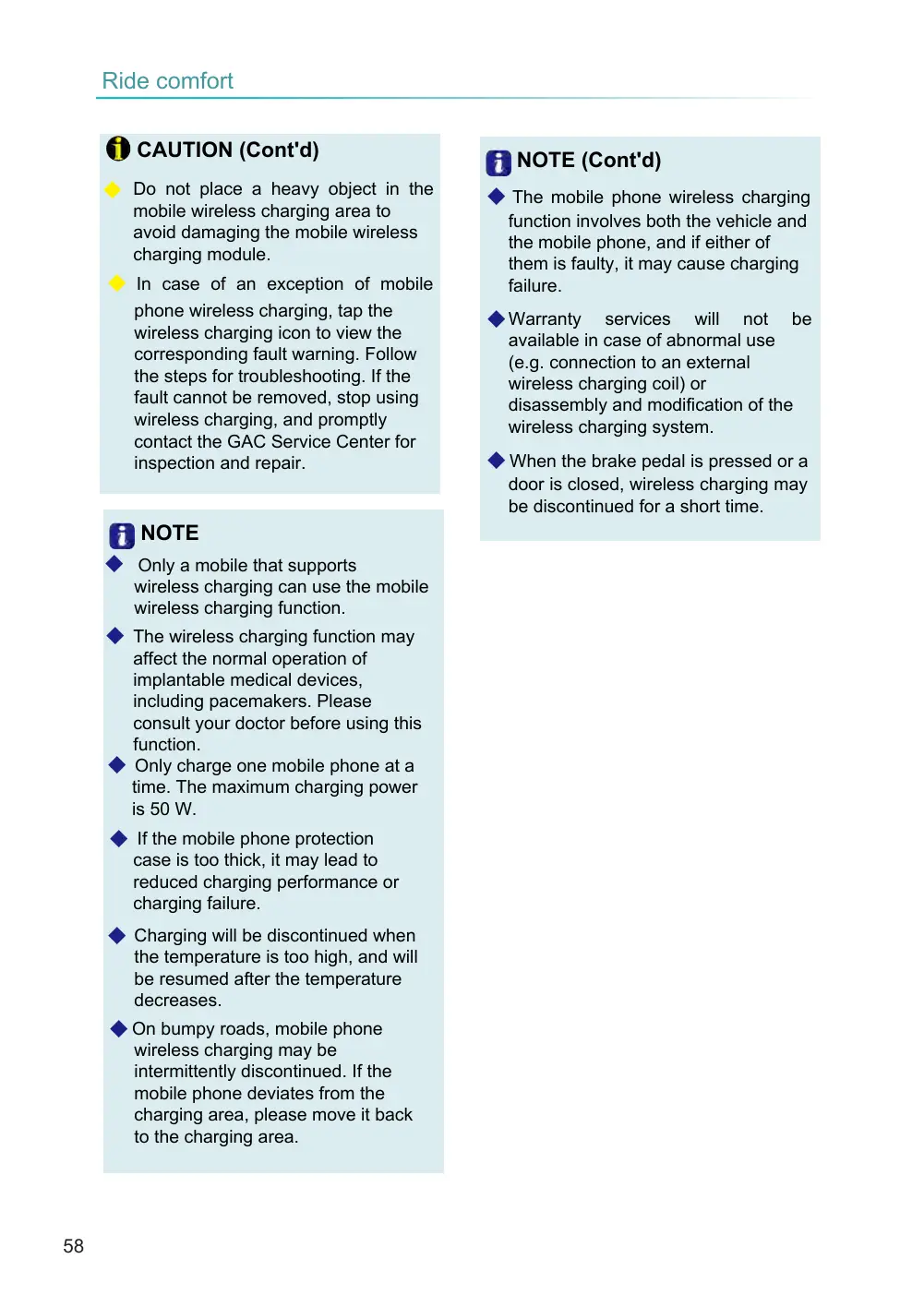
phone wireless charging, tap the wireless charging icon to view the corresponding fault warning. Follow the steps for troubleshooting. If the fault cannot be removed, stop using wireless charging, and promptly contact the GAC Service Center for inspection and repair.
NOTE
◆ Only a mobile that supports wireless charging can use the mobile wireless charging function.
◆ The wireless charging function may affect the normal operation of implantable medical devices, including pacemakers. Please consult your doctor before using this function. ◆ Only charge one mobile phone at a time. The maximum charging power is 50 W.
◆ If the mobile phone protection case is too thick, it may lead to reduced charging performance or charging failure.
◆ Charging will be discontinued when the temperature is too high, and will be resumed after the temperature decreases.
◆ On bumpy roads, mobile phone wireless charging may be intermittently discontinued. If the mobile phone deviates from the charging area, please move it back to the charging area.
NOTE (Cont'd)
◆ The mobile phone wireless charging function involves both the vehicle and the mobile phone, and if either of them is faulty, it may cause charging failure.
◆ Warranty services will not be available in case of abnormal use (e.g. connection to an external wireless charging coil) or disassembly and modification of the wireless charging system.
◆ When the brake pedal is pressed or a door is closed, wireless charging may be discontinued for a short time.