Steering wheel control
Text of this page
Page 55
Steering wheel control
① Left side buttons on the steering wheel
: When there is an incoming call, short press to answer and long press to reject the Bluetooth call; during a call, short press to hang up; without an incoming call, press to enter the dialer or Bluetooth settings.
: Short press to enter quick functions, long press to enter quick function settings.
② Left scroll wheel on the steering wheel
Scroll up and down to adjust the volume, swipe left and right to switch tracks, press to pause/play.
③ Right scroll wheel on the steering wheel
Scroll up and down to adjust cruise control speed, swipe left and right to adjust following distance, short press OK/long press to reset tire pressure.
④ Right side buttons on the steering wheel
: Press to activate/end voice control.
: Short press to enter quick functions, long press to enter quick function settings.
⑤ Horn sign – Press this area to sound the horn, and release it to mute the horn.
NOTE
◆ Depending on the configuration, buttons on the steering wheel may vary. For specific buttons, the configuration of the actual vehicle shall prevail.
◆ Some buttons of the steering wheel can only work when certain conditions are met.
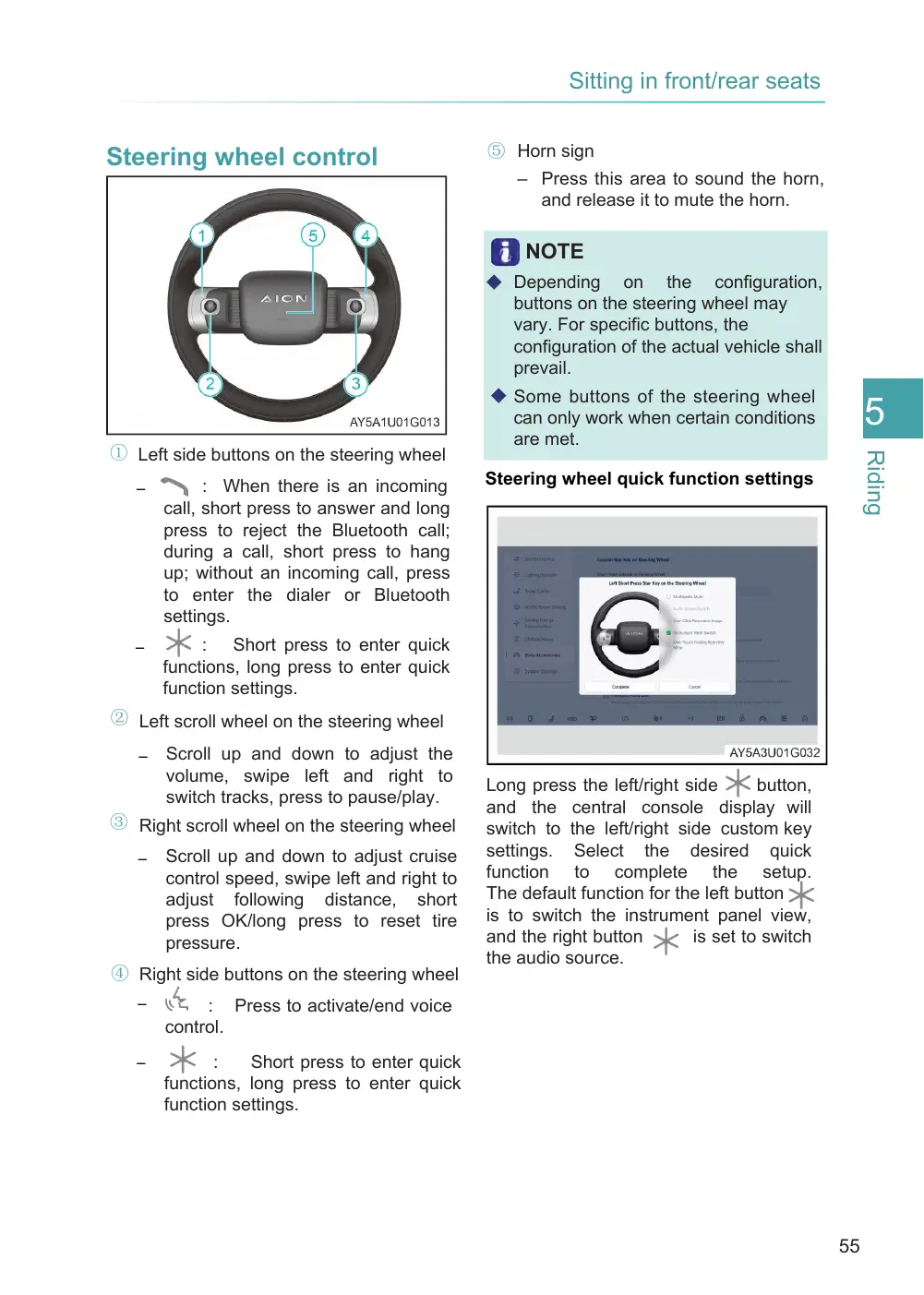
Steering wheel quick function settings
Long press the left/right side button, and the central console display will switch to the left/right side custom key settings. Select the desired quick function to complete the setup. The default function for the left button is to switch the instrument panel view, and the right button is set to switch the audio source.