Vehicle control
Text of these pages
Page 9
Vehicle control
Last updated at 13:56 July 30
Mileage Battery
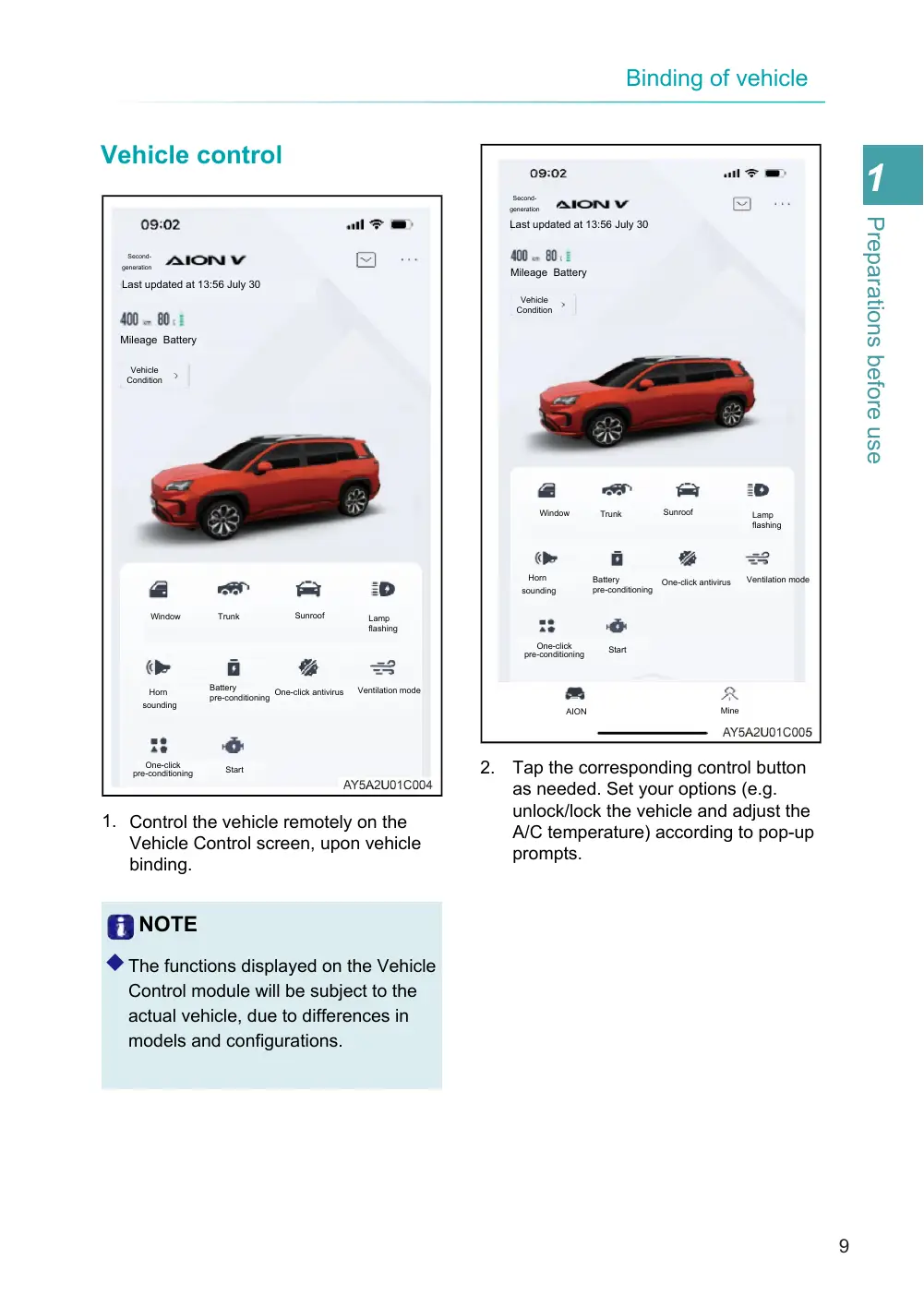
1. Control the vehicle remotely on the Vehicle Control screen, upon vehicle binding.
NOTE
◆ The functions displayed on the Vehicle
Control module will be subject to the actual vehicle, due to differences in models and configurations.
Last updated at 13:56 July 30
Mileage Battery
2. Tap the corresponding control button as needed. Set your options (e.g. unlock/lock the vehicle and adjust the A/C temperature) according to pop-up prompts.
Page 10
Last updated at 13:56 July 30
Mileage Battery
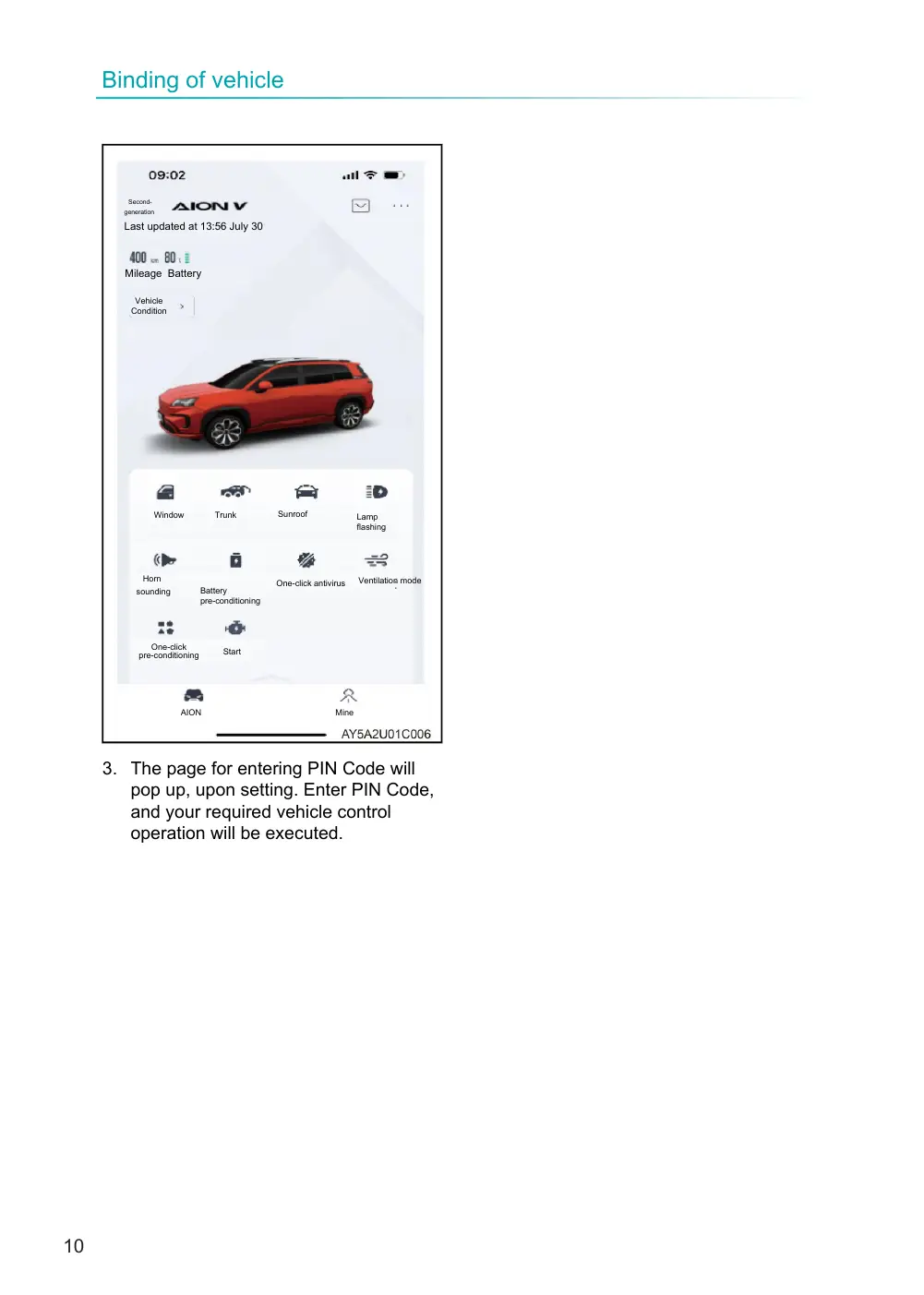
3. The page for entering PIN Code will pop up, upon setting. Enter PIN Code, and your required vehicle control operation will be executed.